How to Make a Comic Book Effect From a Photo
Turn a photo into inked comic art in your browser with Cel Shading contours and CMYK Halftone dots. Try your own photo and export a PNG free.
TL;DR
- Combine Cel Shading for crisp ink outlines and stepped shading with CMYK Halftone for printed dot rosettes on newsprint.
- Open the comic book recipe, choose Open photo, and your image inherits both effects without flattening into murky brown.
- Adjust Outline strength for bold ink edges, compare mono newsprint against color CMYK dots, then export a PNG free.

To turn a photograph into printed comic book art, separate it into two stages: build crisp ink contours and flat tonal bands with Cel Shading first, then screen those color blocks into printed dots with CMYK Halftone. In Artfkt, those two effects come from the Painterly collection and the Halftone collection. The worked comic book recipe loads both effects with tuned settings so you can swap in your own image in the browser and export a PNG free.


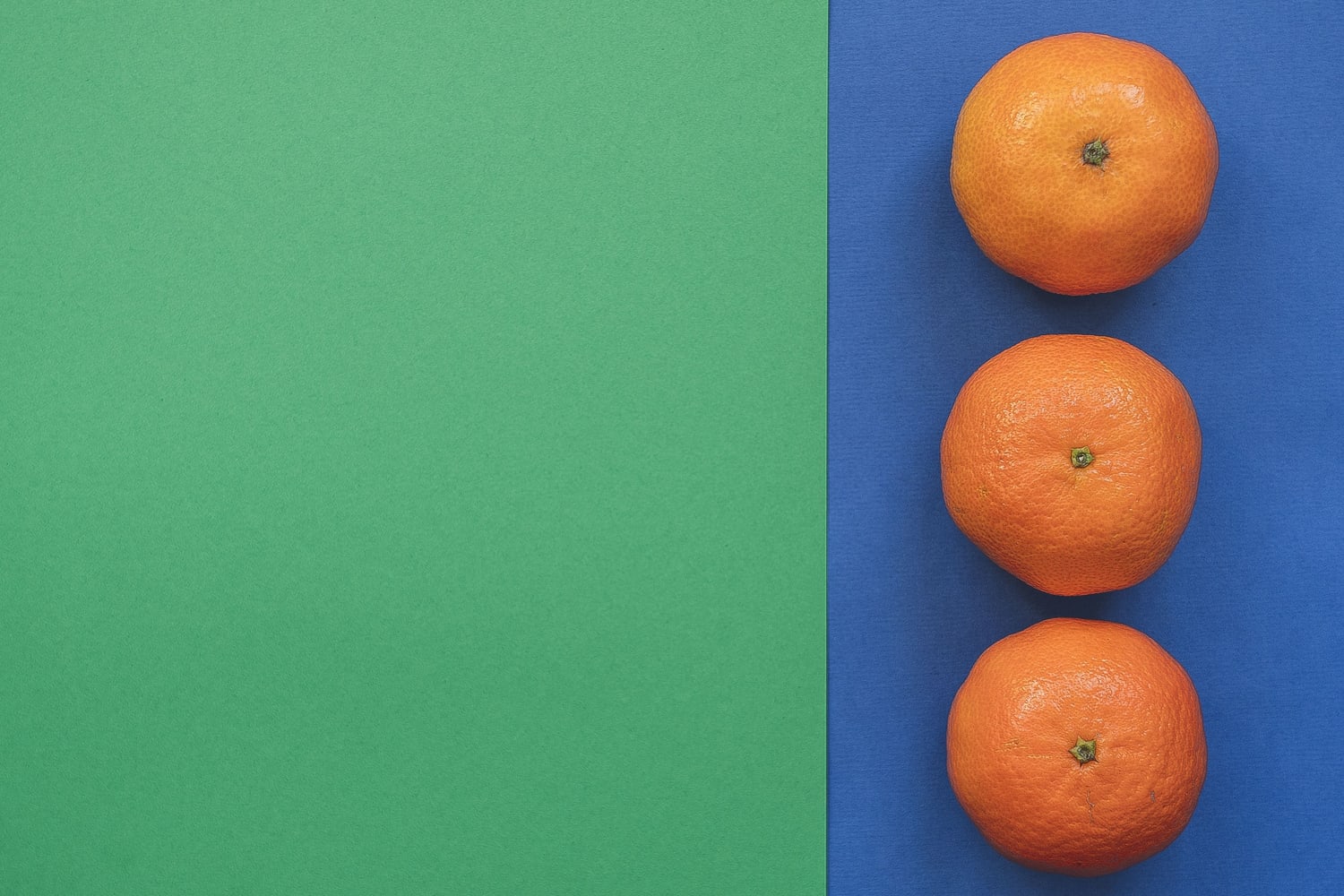
Try the comic book filter on your photo. It opens with this scene already configured; choose Open photo to load a portrait, still life, or poster image while keeping all sliders intact, or download the practice photo (1500 × 1000 JPG) to compare step for step. Photograph by Andre Taissin via Pexels.
Why halftone alone rarely looks like a comic panel
Running a halftone screen straight over an un-simplified photograph leaves soft shadow gradients that turn fuzzy instead of punchy. Comic printers inked contours and flat spot-color shapes first, and only then printed coarse cyan, magenta, yellow, and black rosettes across newsprint.
Each crop below enlarges the same 300 × 300 orange section 2× so you can see what each stage does at pixel level:


- Cel Shading (Outline strength, Tonal bands, Outline width) finds high-contrast contours for ink lines while quantizing lighting into clean graphic planes before dots appear. For thin pen hatches instead of flat color blocks, compare our ink engraving tutorial and pencil sketch guide.
- CMYK Halftone splits the image onto angled cyan, magenta, yellow, and black screens over pale warm Paper (
#fff5df). Raising Misregistration (0.0025) nudges the color plates slightly apart like offset comic newsprint.
Color CMYK rosettes vs single-ink newsprint and coarser screens
Once Cel Shading is stacked first, swapping only the second halftone pass gives very different print moods on the exact same drawing:


Use size around 0.011–0.014 when subjects include faces or finer clothing texture; step up to 0.022–0.028 for bold graphic backgrounds or close-up objects. Our halftone effect tutorial walks through dot shapes (round, ellipse, square, diamond) in detail.
Add the comic book filter to your own photo
- Open the comic book recipe and click Open photo. Your image loads into the browser directly on your device; see the privacy page for details on site analytics.
- Open Active FX (bottom FX tab on phones) and inspect Cel Shading first. Adjust Outline strength (
0.72) and Tonal bands (4) until shadows break cleanly without speckling noise. Raising Smoothing slightly (0.008to0.014) merges noisy photo grain before outlining. - Expand CMYK Halftone below it. Dial Screen size for your export resolution—smaller numbers suit detailed scenes, larger numbers create visible pop-art dots—and set Mix between
0.80and1.00. - Choose Export → PNG to save a full-resolution still free (a small Artfkt watermark is enabled by default and can be toggled off free in Settings → Export Settings).
| Effect | Parameter | Value |
|---|---|---|
| Cel Shading | Outline strength | 0.72 |
| Cel Shading | Smoothing | 0.008 |
| Cel Shading | Tonal bands | 4 |
| Cel Shading | Outline width | 0.0024 |
| CMYK Halftone | Misregistration | 0.0025 |
| CMYK Halftone | Sampling | detail |
| CMYK Halftone | Registration direction | 20° |
| CMYK Halftone | Screen size | 0.012 |
| CMYK Halftone | Ink gain | 0.04 |
| CMYK Halftone | Black generation | 0.85 |
| CMYK Halftone | Paper | #fff5df |
| CMYK Halftone | Mix | 0.90 |
What does the desktop app add?
In the free browser demo, both effects run locally at full speed and export still PNGs at native recipe or uploaded size. Artfkt desktop adds saved multi-project .artfkt files, saved reusable Looks, layer masks to keep comic halftones off specific faces or lettering, audio-reactive animation, and full Export presets across all 392 effects.
How do you avoid muddy faces when turning portraits into comic art?
Raise Smoothing in Cel Shading slightly (0.010–0.016) and set Tonal bands to 5 or 6 before tuning dots. That merges subtle skin blemishes into clean planes so CMYK Halftone screens smooth shadow bands instead of exaggerating pores.
Can you use a monochrome halftone newspaper look instead?
Yes—disable or remove CMYK Halftone in Active FX and add Halftone Dots from the Halftone collection with Screen size 0.013, Ink #1b1d29, and Paper #f5ead4. Everything under Cel Shading stays untouched.
Start with your own photo
Turn your photo into ink & halftone dots.
Open the Cel Shading + CMYK Halftone recipe, swap in your photo and export a PNG free. Desktop adds saved projects, masks and the full library.