How to Turn a Photo Into a Cyanotype Blueprint Print
Turn any photo into a Prussian blue cyanotype print in your browser. Balance Exposure, brush coating variation, paper wear, and export a PNG free.
TL;DR
- Real cyanotypes anchor deep tones in iron-salt Prussian blue while leaving highlights as uncoated warm cotton rag paper, not a flat blue tint.
- Lowering Exposure deepens indigo shadow density, while Coating variation and Paper absorption add brushed sensitizer unevenness.
- Open the cyanotype recipe in your browser, test Exposure and Print Wear on your image, and export a PNG free.

To make a true Prussian blue cyanotype rather than a flat blue color wash, map dark silver density into ferric blue ink (#0e3269), let paper rag stock shine through bright highlights (#efe6d2), and introduce brushed coating absorption before adding mild sheet edge wear. The Cyanotype and Print Wear effects in Artfkt’s Grain collection recreate both steps cleanly. Open the worked cyanotype recipe to apply the stack to your own image and export a PNG free.


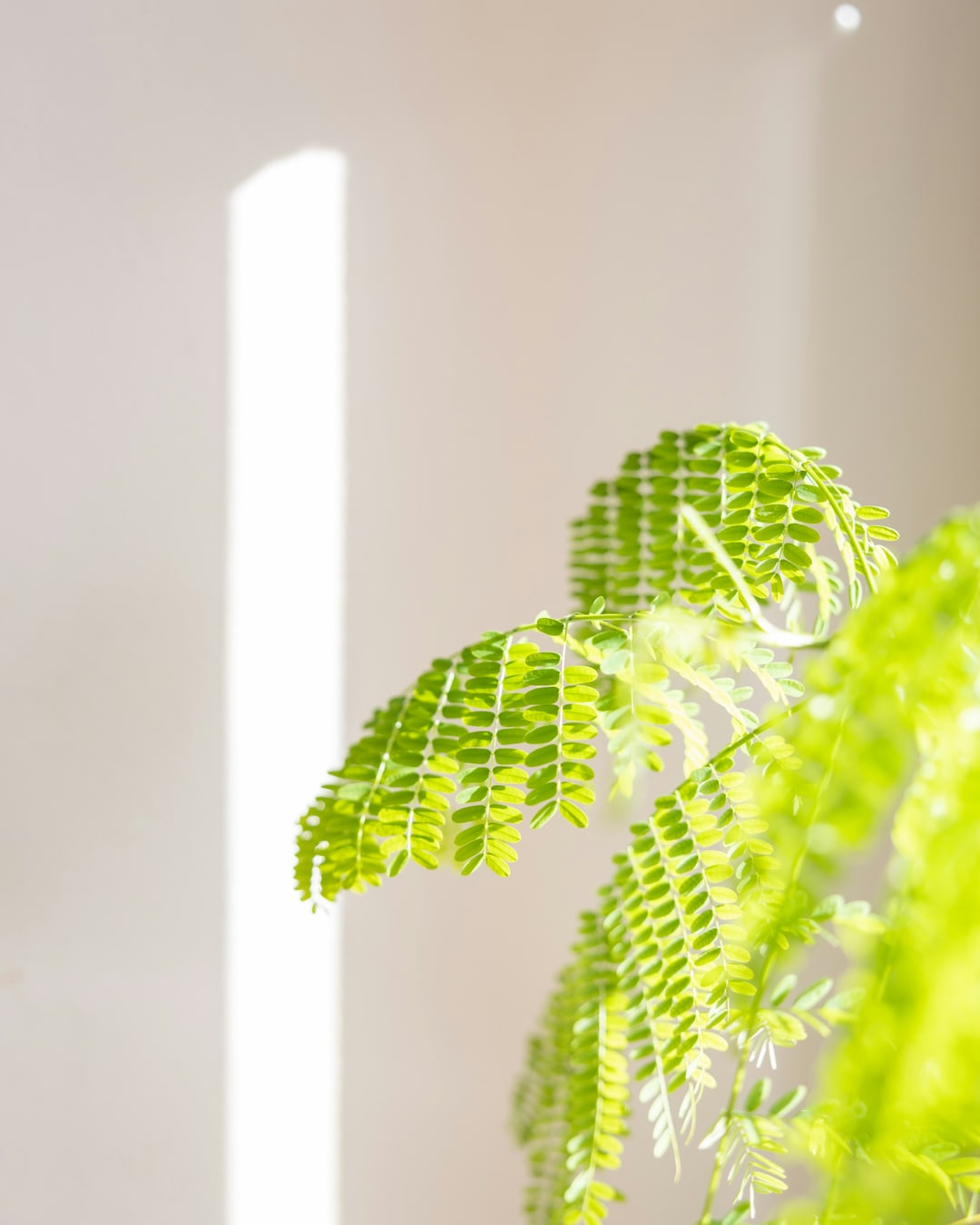
Try the cyanotype filter on your photo. Choose Open photo to load your own botanical study, portrait, or architectural image, or download the practice photo (1080 × 1350 JPG). Photograph by Ian Dziuk via Unsplash.
How Exposure, Coating variation, and Paper absorption shape a print
Unlike a simple color tint or an architectural line-drawing converter, photographic cyanotype chemistry responds unevenly where iron salts soaked into cotton fibers. Sliding Exposure lower pushes midtones and sky shadows into deep Prussian blue; raising Coating variation and Paper absorption creates painterly wash mottling and deckle fiber grain.


- Cyanotype lets you customize Prussian blue (
#0e3269) and Paper (#efe6d2), plus Seed to explore alternate brushed coating distribution across the frame. For flat two-color graphic toning without chemistry texture, see our duotone tutorial. - Print Wear at restrained
Mix 0.42adds subtle paper staining and Edge wear (0.38) without heavy tears; explore paper surface texture further in Tactile Images.
Make a cyanotype print online in four steps
- Open the cyanotype recipe and click Open photo. All processing runs locally on your GPU (see
/privacy/for site metrics). - Open Active FX → Cyanotype. Adjust Exposure first: bright high-key photos like this sunlit fern look richest around
0.20–0.32, whereas naturally dark scenes read clearer around0.45–0.70. - Tune Coating variation (
0.40–0.65) and Paper absorption (0.45–0.65) to dial how much hand-brushed irregular density appears across clear skies or walls; adjust Seed until mottling sits naturally around your subject. - Keep Print Wear (
Mix 0.42) for gently handled contact-print edges or toggle it off for crisp modern rag paper, then choose Export → PNG (toggle off the small default watermark free in Settings → Export Settings).
| Effect | Parameter | Value |
|---|---|---|
| Cyanotype | Exposure | 0.25 |
| Cyanotype | Coating variation | 0.54 |
| Cyanotype | Paper absorption | 0.58 |
| Cyanotype | Prussian blue | #0e3269 |
| Cyanotype | Paper | #efe6d2 |
| Print Wear | Wear | 0.22 |
| Print Wear | Edge wear | 0.38 |
| Print Wear | Stains | 0.16 |
| Print Wear | Mix | 0.42 |
How is a photographic cyanotype different from an architectural blueprint?
Architectural blueprint tools trace crisp white edges over flat blue lines—useful for schematic diagrams. Real photographic cyanotypes keep continuous light-to-shadow graduation across faces, leaves, and paper fibers. Lowering Exposure below 0.30 and picking deep #0e3269 reproduces that continuous contact-print richness rather than wireframe outlines.
What else opens up in Artfkt desktop?
The free browser demo gives full-resolution WebGPU processing and PNG export. Desktop adds saved project files, reusable custom Looks across print series, masks, subtle ambient variation animation, and full batch/preset export options across all 392 effects.
Start with your own photo
Print your photo in Prussian blue tones.
Adjust Exposure, brushed coating variation and Print Wear on your image and export a PNG free. Desktop adds saved projects and custom looks.