How to Add a Frosted Glass and Rain Window Effect to a Photo
Apply realistic pebble-grain frosted glass or rain-beaded window refraction in your browser. Compare etched grain to Water Droplets and export PNG free.
TL;DR
- Frosted Glass scatters pixels through sandblasted pebble micro-lenses instead of washing contrast out like flat Gaussian blur.
- Control etched texture coarseness with Grain size and optical displacement with Distortion, or stack Water Droplets for rainy condensation.
- Open the frosted glass recipe in your browser, upload your own photo, and export a PNG free.

To make a photo look like it was shot through sandblasted frosted glass, displace underlying color with pebble-scale optical scatter rather than simple smoothing. Artfkt’s Frosted Glass effect in the Refraction collection pairs fine grain refraction with controllable softness, and can layer cleanly underneath Water Droplets for misty rain-window optics. Open the worked frosted glass recipe in your browser and export a PNG free.


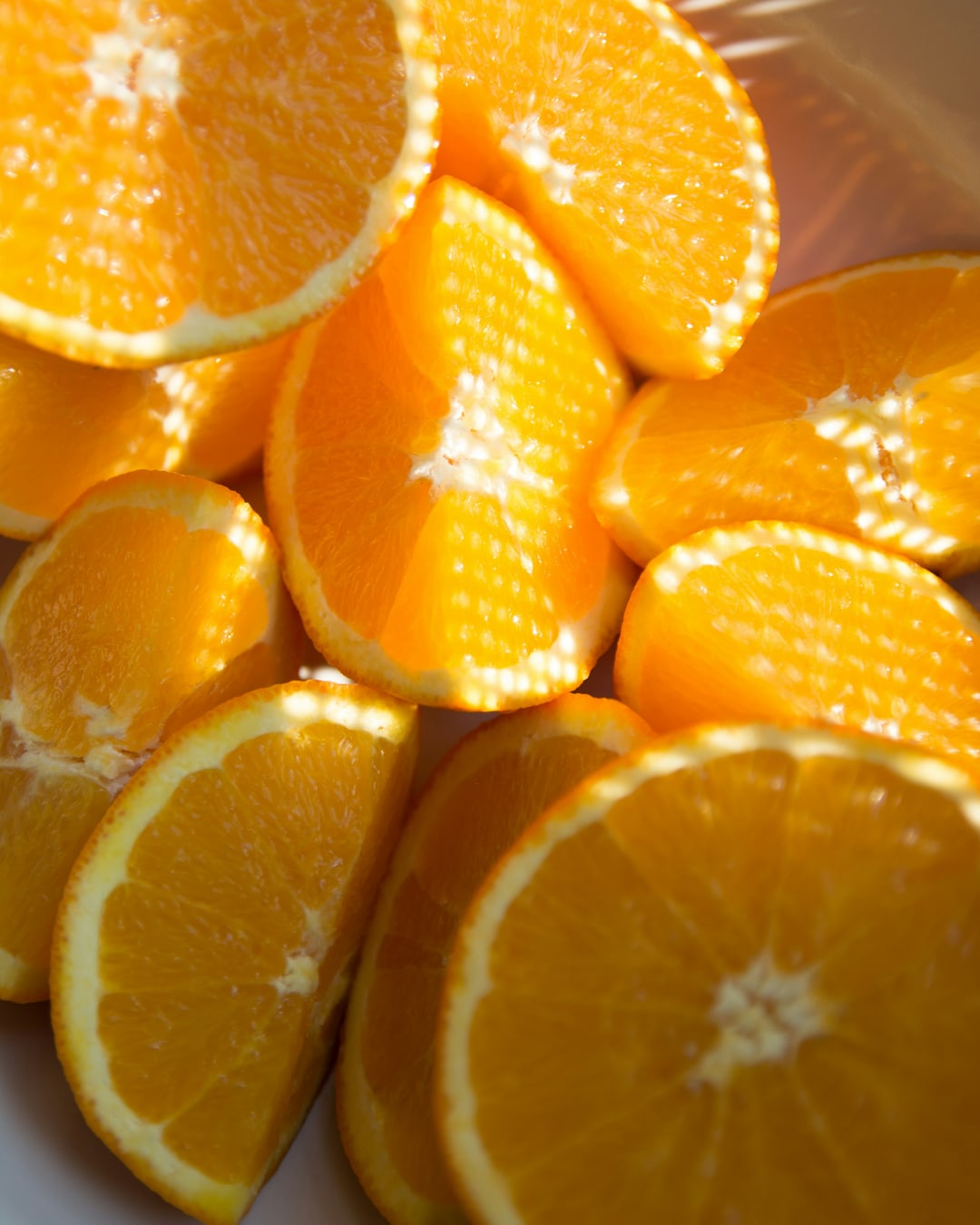
Try frosted glass on your photo. Click Open photo to load a portrait, neon storefront, or album backdrop while keeping the refraction parameters fixed, or download the practice photo (1080 × 1350 JPG, Daniela Chavez via Unsplash).
Frosted glass scatter vs rain droplets vs fluted glass
Regular Gaussian UI blur washes every edge into flat haze, stripping away the sparkle that makes backlit panes interesting. By contrast, physical frosted glass scatters each ray locally across microscopic matte glass bumps, while fluted glass channels distortion linearly along parallel reeds.


- Frosted Glass exposes three key dials: Grain size (
0.002silk satin up to0.12pebble architectural glass), Distortion (how strongly segments displace apart), and Softness (gentle pre/post defocus so micro-edges never look gritty). - Adding Water Droplets (
Density 0.65,Droplet size 0.095,Elongation 1.45) on top of lighter frosted mist turns uniform fog into realistic window beading. Compare both against linear stripes in our fluted glass effect tutorial and tactile finishes in Tactile Images.
Add a frosted window effect in four steps
- Open the frosted glass recipe and choose Open photo. Bright high-contrast photos, colored neon signs, botanical silhouettes behind sunlit glass, and warm portraits read clearest behind glass grain. Rendering happens locally on your GPU (
/privacy/explains site analytics only). - Expand Frosted Glass in Active FX. Start by dialing Grain size (
0.014–0.028for fine matte privacy glass;0.045–0.070for hammered bathroom glass). - Raise Distortion (
0.025–0.050) until silhouettes melt believably, then tune Softness (0.008–0.018) to decide whether edges look crisp like sparkling mineral frost or creamy like steamy mist. - Click Export → PNG to download cleanly at native size (the default small Artfkt watermark can be turned off free in Settings → Export Settings).
| Effect | Parameter | Value |
|---|---|---|
| Frosted Glass | Grain size | 0.022 |
| Frosted Glass | Distortion | 0.032 |
| Frosted Glass | Softness | 0.011 |
| Frosted Glass | Seed | 37 |
Why combine Frosted Glass with Water Droplets instead of using droplets alone?
Clean glass beads over a tack-sharp photo often look pasted or synthetic. Running light Frosted Glass (Grain size 0.014, Mix 0.72) underneath Water Droplets softens the distant background like steamed window mist while letting clear rain droplets catch sharp micro-refractions of the bright scene behind.
What opens up on Artfkt desktop?
The free browser demo runs Frosted Glass, Water Droplets, and Prismatic Glass at full speed with free PNG output. Desktop adds animated droplet flow / frost drift export, layer masks to wipe a clear hand-drawn peeking spot through frosted glass, saved projects, and all 392 effects.
Start with your own photo
Diffuse your shot behind matte frosted glass.
Adjust pebble Grain size and optical Distortion—or layer Water Droplets—and export a PNG free. Desktop adds animated mist and masks.