How to Make a Kaleidoscope Effect From a Photo Online
Turn any photo into symmetrical geometric segments right in your browser. Adjust segment count, mirror angle, and center point, then export PNG or video free.
TL;DR
- Kaleidoscope folds your photograph around an optical center into 2 to 16 seamless mirrored wedges with no pasted seam lines.
- Moving Center even slightly across a colorful image transforms the entire mandala structure.
- Edit locally in Artfkt's free browser demo and export PNG or motion loops; Artfkt desktop exports full resolution without watermarks and syncs rotation to audio.

To make a kaleidoscope effect from any photo online, open Kaleidoscope in Artfkt’s free browser demo, choose Open photo, pick 6 to 12 mirrored Segments, and drag Center or Rotation until the shapes click into place. Your image stays on your device, and you can export either a still PNG or a spinning animated loop for free.


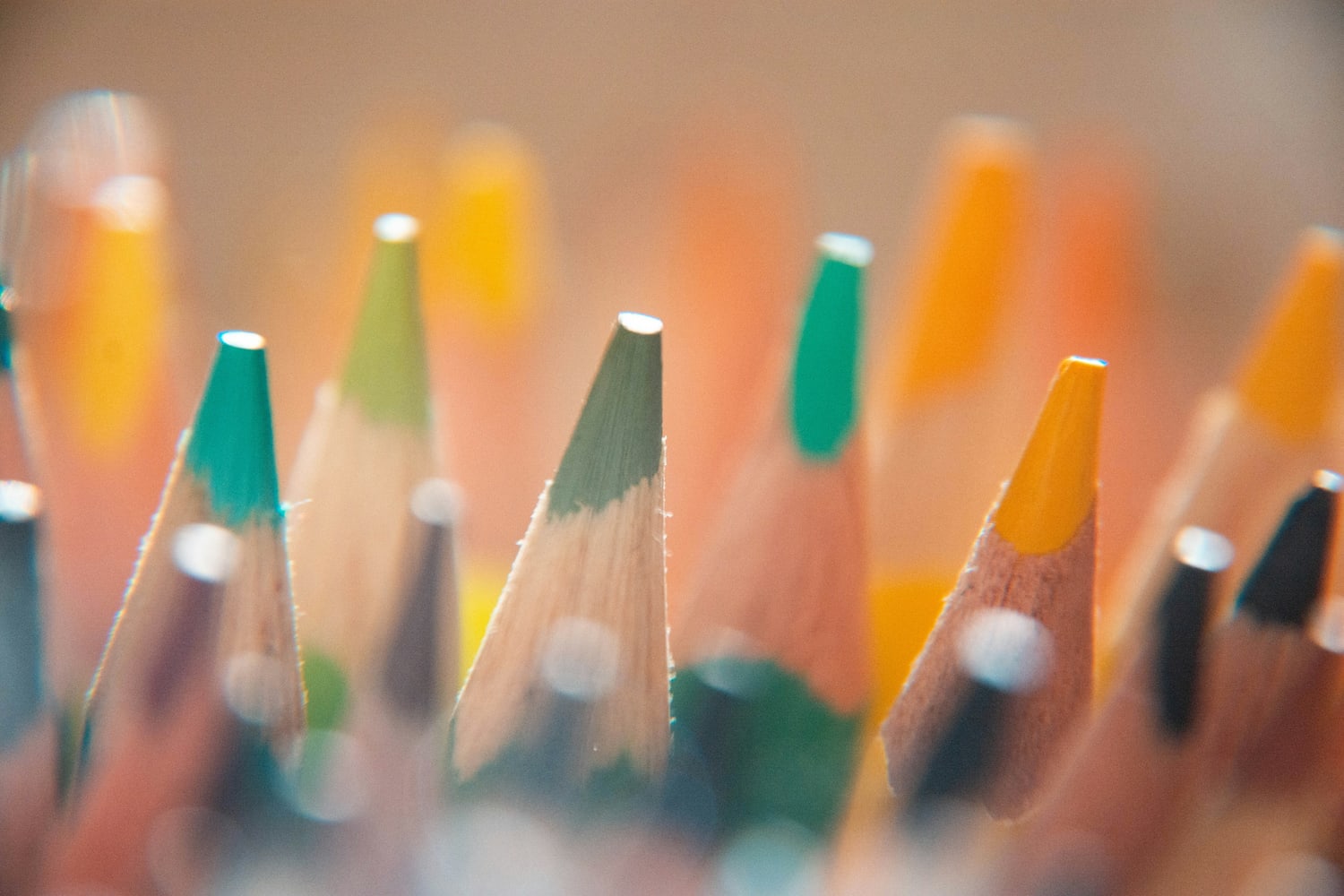
Try Kaleidoscope on your photo. Click Open photo to test textures, flowers, neon lights, or album artwork, or download the colored-pencils practice photo (1500 × 1000 JPG, Lucas George Wendt via Unsplash License).
Segment count and moving the optical center
Unlike fixed collage stencils, Kaleidoscope folds angular sectors smoothly in shader math (2 to 16 Segments), and shifting the Center (X, Y) changes which part of the photo seeds every petal:


Photos with rich gradients, defocused highlights, metallics, or painted brush strokes produce far smoother geometric mandalas than cluttered text or dense foliage. For optical curved-lens distortion before or after your mirror symmetry, stack Fisheye from the same Warp collection.
How to build and export a kaleidoscope loop
- Open Kaleidoscope in your browser and select Open photo. All rendering stays local on your computer or phone (
/privacy/explains site analytics). - Start with Segments at
6or8. Sweep Center slowly first—even a0.05step turns triangles into stars or concentric rings. - Want slow ambient cover motion? Switch to Animate at the bottom, turn on Moves on Kaleidoscope, and animate Rotation smoothly across your timeline (
-90°to+90°or a full360°turn). For seamless album-loop timing, compare how to make a hypnotic spiral loop and album cover art ideas. - Choose Export → PNG (for print or cover concepts) or MP4 / GIF (browser demo exports carry a small Artfkt mark and cap stills at
1080pxand animations at720p; Artfkt desktop exports full resolution cleanly, saves.artfktprojects, and drives Rotation from a music track).
| Pattern variation | Segments | Rotation | Center |
|---|---|---|---|
| Six-point baseline | 6 | 0° |
0.50, 0.50 |
| Dense 12-wedge flower | 12 | 15° |
0.50, 0.50 |
| Asymmetric shift | 8 | 45° |
0.36, 0.44 |
| Wide cover composition | 8 | 20° |
0.50, 0.50 |
Start with your own photo
Fold any photograph into geometric symmetry.
Spin 2 to 16 mirrored wedges in real time and export a PNG or animated loop free. Artfkt desktop adds full-res exports, saved projects, and audio-synced rotation.