How to Add a Prism Glass Effect to a Photo
Refract a photo through angled crystal facets and rainbow spectral dispersion in your browser. Adjust Facet size, Orientation, and export a PNG free.
TL;DR
- Prismatic Glass offsets underlying light rays across crystal facets while splitting red, green, and blue channels along high-contrast edges.
- Keep Dispersion focused around 0.025–0.035 on dark-background subjects so spectral highlights glow cleanly without turning muddy.
- Open the prism glass recipe in your browser, swap in any photo, and export a PNG free.

To give a photo a real prism glass effect, bend image rays across angled crystal facets with Prismatic Glass, separate red-green-blue light with Dispersion, and soften the brightest spectral fringes gently with Soft Glow. Both effects run directly in your browser inside the worked prism glass recipe (linking Prismatic Glass from the Refraction collection with Soft Glow from Light), so you can drop in your own image and export a PNG free.


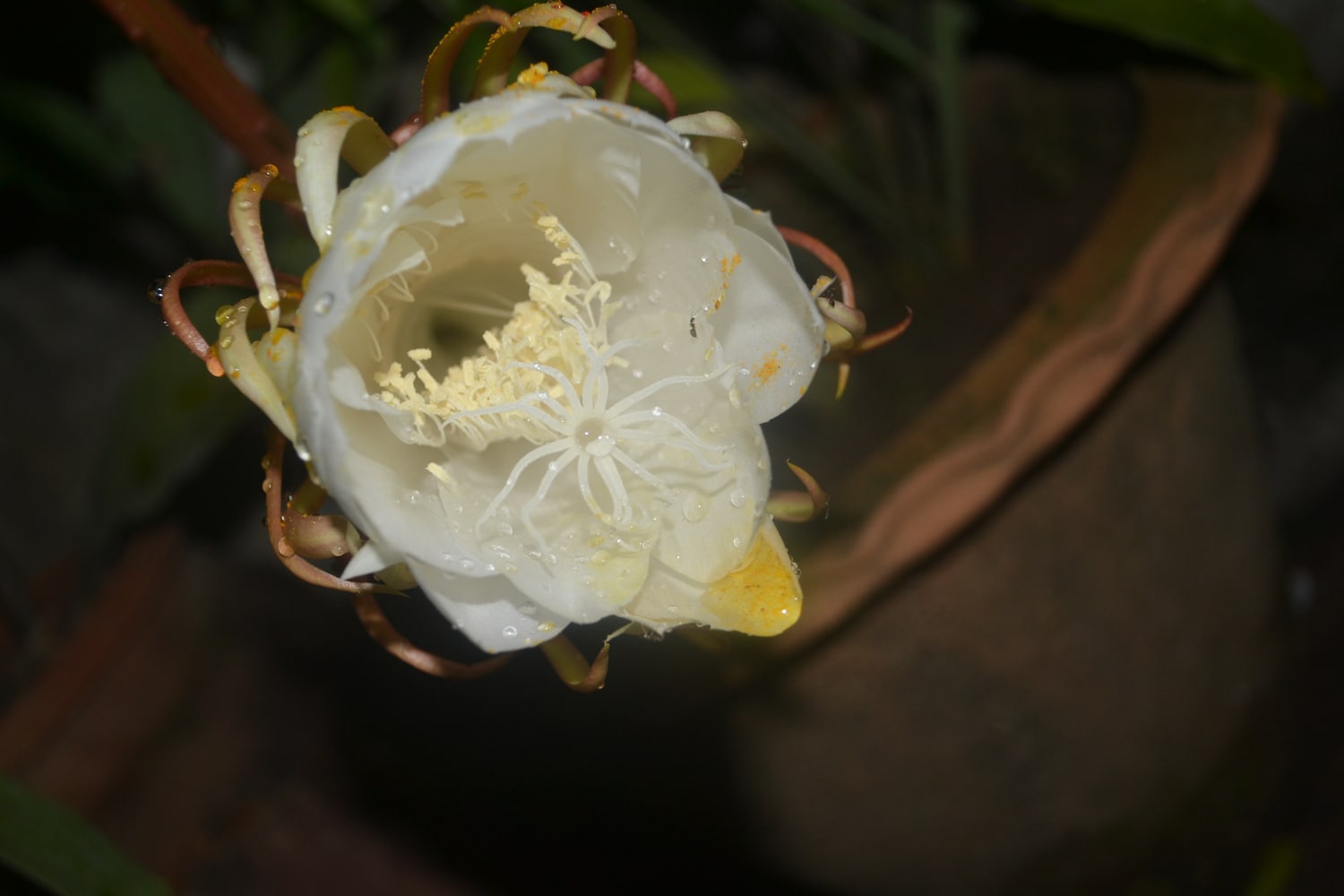
Try the prism glass filter on your photo. Choose Open photo to load your own portrait, flower, or neon street scene, or download the practice photo (1500 × 1000 JPG). Photograph by Amitav Dash, Wikimedia Commons (CC0 1.0).
Refraction vs spectral dispersion vs fine mosaic facets
Two independent sliders determine whether crystal glass reads as quiet optical glass or bright rainbow spectrum: Refraction bends image coordinates across facet planes, whereas Dispersion splits color wavelengths inside those bent rays.


- Prismatic Glass controls Facet size (
0.03tiny crystal shards up to0.40bold geometric cuts), Orientation angle (-180°to+180°), Refraction bend depth, Dispersion RGB separation, and Seed pattern layout. For straight architectural vertical flutes instead of multi-angle crystal facets, see our fluted glass effect tutorial. - Soft Glow (
Strength 0.24,Softness 0.018,Mix 0.72) takes the hard clinical digital edge off bright chromatic fringes without burying detail; compare full optical halos in Halation vs Bloom.
Refract your own photo in four steps
- Open the prism glass recipe and click Open photo. High-contrast subjects against dark or clean backgrounds show prism rainbows strongest. Processing stays local on your device (see
/privacy/). - Expand Prismatic Glass in Active FX. Pick Facet size (
0.12–0.18for dramatic large cuts on portraits and flowers;0.05–0.08for jewel-like shimmer) and rotate Orientation until highlights catch major edges attractively. - Balance Refraction (
0.045–0.075) before touching Dispersion (0.020–0.038)—pushing Dispersion too far before Refraction breaks coherence makes edges muddy instead of luminous. - Keep Soft Glow gentle or toggle it off for razor-sharp geometric fractures, then click Export → PNG (toggle off the small default watermark free in Settings → Export Settings).
| Effect | Parameter | Value |
|---|---|---|
| Prismatic Glass | Facet size | 0.14 |
| Prismatic Glass | Orientation | -22° |
| Prismatic Glass | Refraction | 0.068 |
| Prismatic Glass | Dispersion | 0.032 |
| Prismatic Glass | Seed | 37 |
| Soft Glow | Strength | 0.24 |
| Soft Glow | Softness | 0.018 |
| Soft Glow | Mix | 0.72 |
What subjects work best for prism glass without turning chaotic?
Pick images with bright highlights set against uncluttered dark or midtone space—neon signage, backlit portraits, glassware, jewelry, or dark-background botanicals—and rotate Seed or Orientation until a crystal facet edge slices cleanly near the highlight without obliterating eyes or typography. In Artfkt desktop, you can add a layer mask to keep eyes untouched while prism light fractures hair, shoulders, and backgrounds.
When should you pick Frosted Glass or Fluted Glass instead?
Pick Prismatic Glass when you want angled faceted light and rainbow spectrum split; pick Fluted Glass for rhythmic vertical glass reeds, and Frosted Glass for uniform sandblasted surface privacy scatter.
Start with your own photo
Refract highlights across crystal facets.
Open the Prismatic Glass + Soft Glow recipe on your image and export a PNG free. Desktop adds saved projects, masks and audio motion.