How to Add a Fisheye Effect to a Photo Online
Bend a photo or video with Fisheye or a curved Century Optics lens right in your browser. Adjust Lens distortion, center point, and export PNG or MP4 free.
TL;DR
- Fisheye uses Lens distortion above zero for wide barrel curvature and below zero for inward pincushion pinch.
- Switch to Century Optics Xtreme when you want circular skate-lens framing, edge softness, chromatic fringing, and a black lens rim.
- Try Fisheye on your own image or video free in your browser (images stay on your device); Artfkt desktop exports full resolution without marks.

To add a fisheye effect to a photo online, open Fisheye in Artfkt’s free browser demo, choose Open photo, set Lens distortion above zero for a bulging barrel curve, and export a PNG or clip right from your browser. Everything runs locally on your device, and negative distortion values reverse the lens into an inward pincushion pinch.


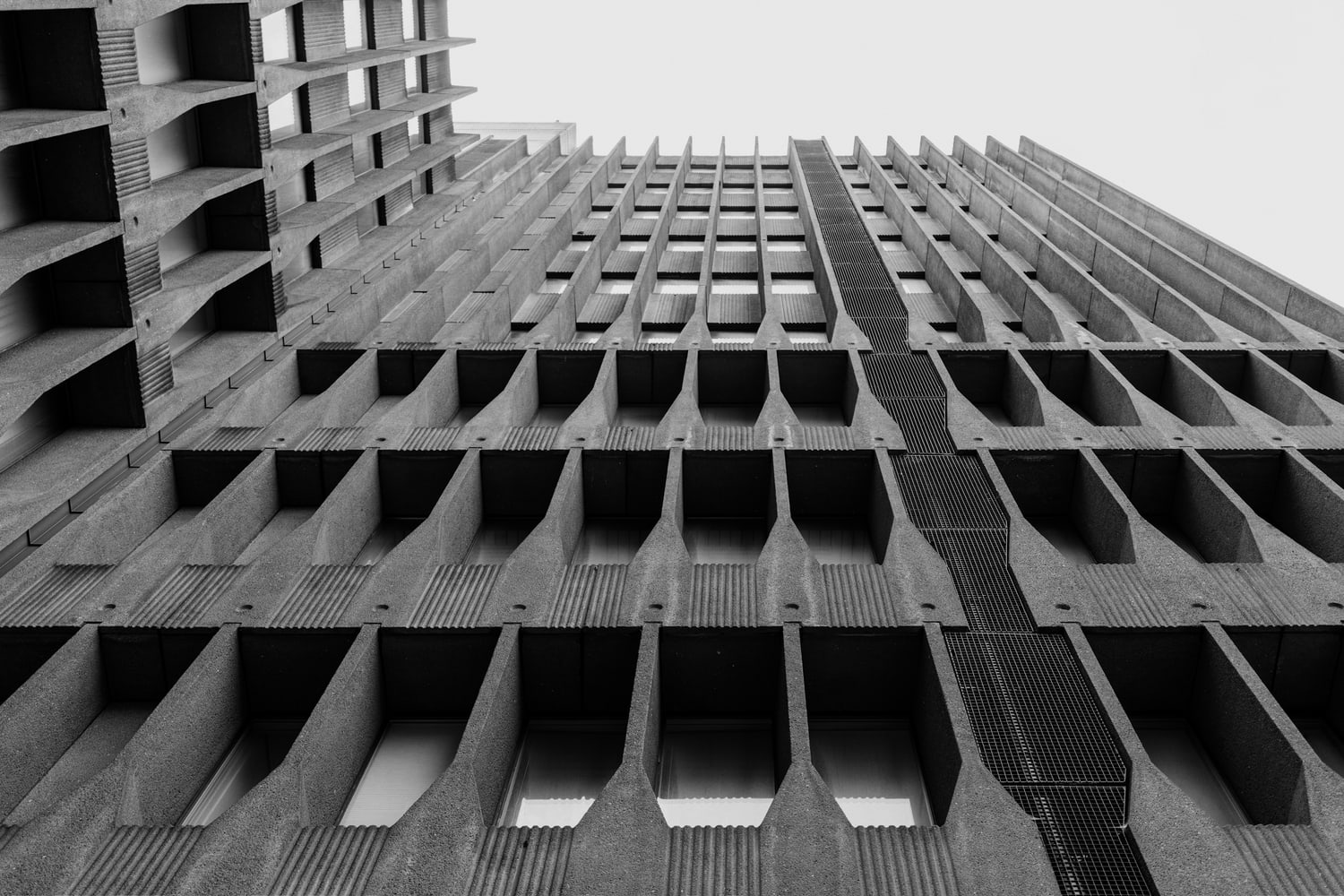
Try Fisheye on your photo. Click Open photo to load a portrait, skate clip, or architecture shot while keeping Fisheye selected, or download the concrete-facade practice photo (1500 × 1000 JPG, Rowan Heuvel via Unsplash License).
Barrel bulge vs negative pincushion pinch
A single bipolar Lens distortion slider (-0.60 to +2.00) plus an adjustable Center point controls both outward expansion and inward squeeze:


Architecture, interiors, stairs, and gridded fences make curvature obvious immediately. For portraits or posters where you still want the subject centered, drag Center away from (0.50, 0.50) so the lens swell pushes off-axis instead of stretching facial features directly in the middle.
Full-frame Fisheye vs skate lens rims (Century Optics)
Plain Fisheye keeps the full rectangular frame clean from corner to corner. When you want classic camcorder optics—subtle peripheral blur, color fringing around bright windows, and a rounded dark lens hood at the corners—pick one of the four Century profiles inside the Warp collection, such as Century Optics Xtreme:

Add or animate fisheye in four steps
- Open Fisheye in your browser and choose Open photo (or drop in an MP4 clip). Images stay on your device; see
/privacy/for site analytics details. - Adjust Lens distortion (
0.85for natural wide curvature,1.50+for extreme spherical framing,-0.30to-0.50for inward pinch) and move Center (X,Y) if your focal point sits off-center. - Want animated zoom-warp loops or poster titles underneath? Add a procedural motion curve to Lens distortion (see how to make an animated poster) or try faceted refraction in our prism glass guide and symmetry in how to make a kaleidoscope effect.
- Export directly with Export → PNG (or MP4 / GIF / WebM if animated). Browser demo exports include a small Artfkt watermark and are capped at
1080pxfor stills and720pfor video; Artfkt desktop (US$29launch /US$39regular, one-time on Mac and Windows) exports clean full resolution, saves.artfktprojects, and unlocks all 52 collections.
| Effect | Control | Value shown |
|---|---|---|
| Fisheye | Lens distortion | 0.85 / 1.65 / -0.45 |
| Fisheye | Center | 0.50, 0.50 |
| Century Optics Xtreme | Distortion | 1.00 |
| Century Optics Xtreme | Framing / Rim | 1.00 / 1.00 |
| Century Optics Xtreme | Edge Softness / Fringing | 0.50 / 0.35 |
Start with your own photo
Bend your shot through a curved wide-angle lens.
Sweep barrel bulge, negative pinch, or Century Optics skate framing right in your browser and export free. Artfkt desktop adds clean full-res exports and saved projects.