How to Turn a Photo Into a Charcoal Drawing Online Without AI
Turn a photo into a high-contrast charcoal drawing in your browser without generative AI. Balance pressure, smudge, highlight lift, and export PNG free.
TL;DR
- Deterministic Charcoal shading builds velvet dark strokes, rubbed smudge midtones, and lifted paper highlights directly from your photograph's geometry.
- No generative AI model guesses or alters noses, hands, jewelry, or inscriptions: structure stays strictly 1:1 with your upload.
- Open the charcoal recipe in your browser, balance Pressure, Smudge, and Lift highlights, and export a PNG free.

To turn a photo into a charcoal drawing online without generative AI changing faces, hands, or architecture, use deterministic shader shading driven by Pressure, Smudge, Lift highlights, and Paper tooth. Artfkt’s Charcoal effect in the Painterly collection runs locally on your GPU without server uploads or synthetic restyling. Open the worked charcoal recipe to process any portrait, sculpture, or street photo and export a PNG free.


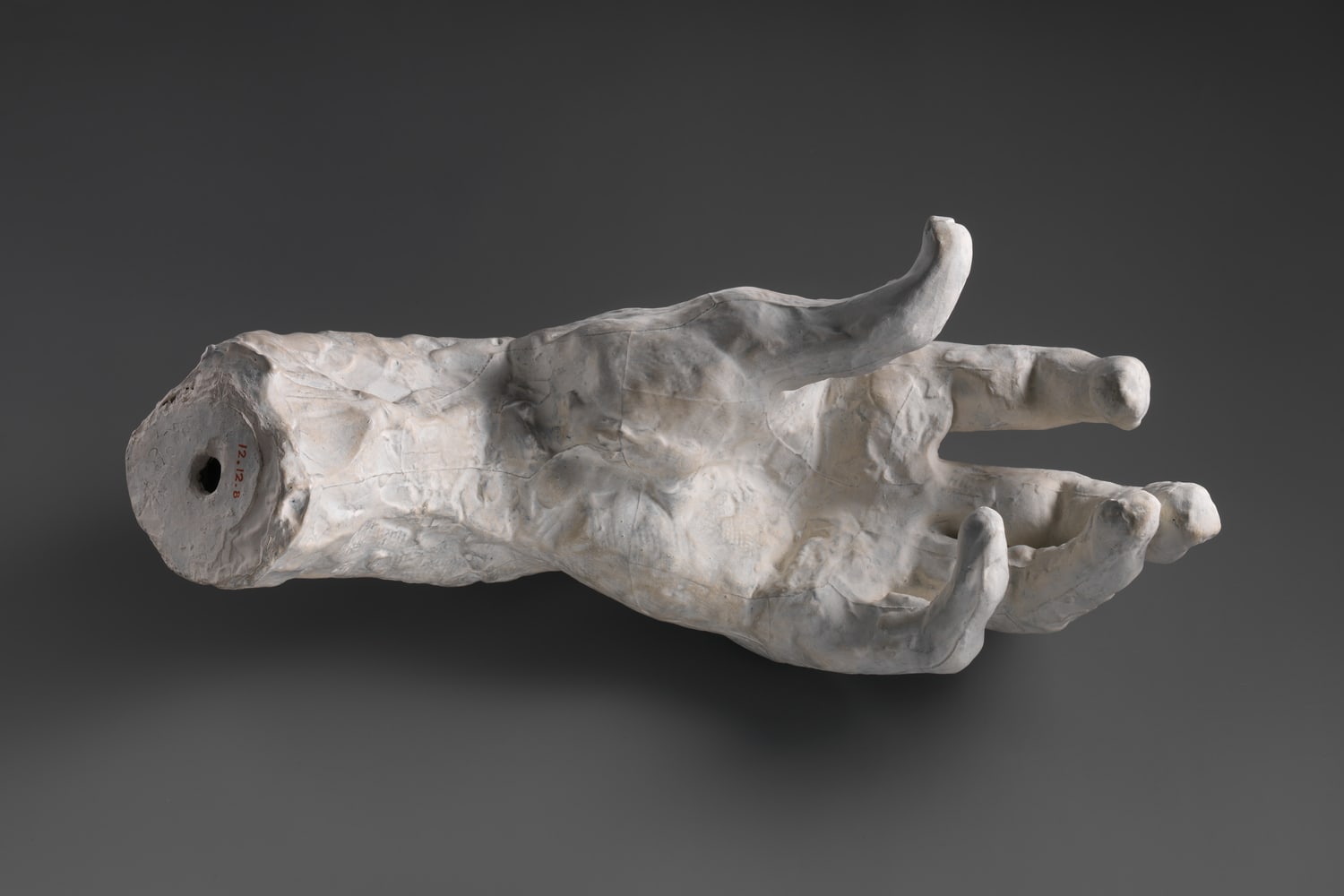
Turn your photo into a charcoal drawing. Click Open photo to drop in your own portrait, pet, architecture shot, or reference image while keeping every charcoal dial loaded, or download the practice photo (1500 × 1000 JPG, Auguste Rodin The Hand of God, The Metropolitan Museum of Art CC0).
Why non-AI charcoal preserves proportions better than generative filters
AI image-to-sketch apps invent new contours every time they run—drifting eye placement, smoothing expressive wrinkles, or mutating fingers and inscriptions. Deterministic charcoal keeps every silhouette pixel-locked to your original exposure while translating tonal values through directional pigment strokes and laid paper texture.
- Pressure sets compressed charcoal pigment density in shadows (
0.82locks deep creases dark#141216). - Smudge controls soft tortillon / chamois blending (
0.16retains crisp grainy tooth;0.72softens forms into moody fog). - Lift highlights acts like a kneaded eraser pulling bright stone, specular skin highlights, and collar edges cleanly back to Paper (
#f6f2e8). - Paper tooth (
0.78) and Mark size (0.012) show diagonal texture along#141216dark strokes without obscuring anatomical form.


Need razor-thin graphite lines rather than dark smudged charcoal? Compare our photo-to-pencil-sketch tutorial and woodcut engraving guide.
Make a charcoal drawing from a photo in four steps
- Open the charcoal drawing recipe and choose Open photo. Your image never leaves your browser for third-party inference; see
/privacy/for site metrics info. - Expand Charcoal in Active FX (bottom FX tab on phones). Dial Pressure first (
0.55–0.85) to anchor core shadows, then pull Lift highlights (0.60–0.80) if mid-key backgrounds look muddy or dim. - Balance Smudge (
0.14–0.35for crisp figure drawing;0.50–0.75for moody atmospheric fog) and rotate Stroke angle (-25°mimics natural right-handed diagonal hatching). - Choose classic laid cream (
#f6f2e8) or cool blue-gray paper stock and dark pigment#141216, then click Export → PNG (turn off the default small watermark free anytime in Settings → Export Settings).
| Effect | Parameter | Value |
|---|---|---|
| Charcoal | Pressure | 0.82 |
| Charcoal | Smudge | 0.16 |
| Charcoal | Lift highlights | 0.74 |
| Charcoal | Mark size | 0.012 |
| Charcoal | Stroke angle | -25° |
| Charcoal | Paper tooth | 0.78 |
| Charcoal | Charcoal ink | #141216 |
| Charcoal | Paper | #f6f2e8 |
Can you colorize paper stock or animate stroke texture?
In the free browser demo, switching Paper to warm buff, pastel slate, or crisp cotton white instantly updates every lifted highlight and paper tooth groove before free PNG export. Artfkt desktop adds saved multi-project files, saved reusable Looks, animated Variation rate shimmer for video loops, masks, and all 392 effects.
Start with your own photo
Translate photos to charcoal without generative AI.
Dial pigment Pressure, Smudge and kneaded highlight lift on your photo and export a PNG free. Desktop adds saved projects and animated shimmer.